Coach
See what to do next, what to say, and why it matters. Open reference cards for steps of service, etiquette, common terms, and useful phrases.
おもてなし For Even G2
See what to serve, what guests prefer, and what to do next on your Even G2 glasses.
For omakase chefs, diner servers, hotel teams, and anyone training to join them.
Live simulator
Focus the display to use ↑ / ↓, Enter to tap, and Esc to go back.
Fictional service. Nothing is sent to Telegram.
01 For the chef
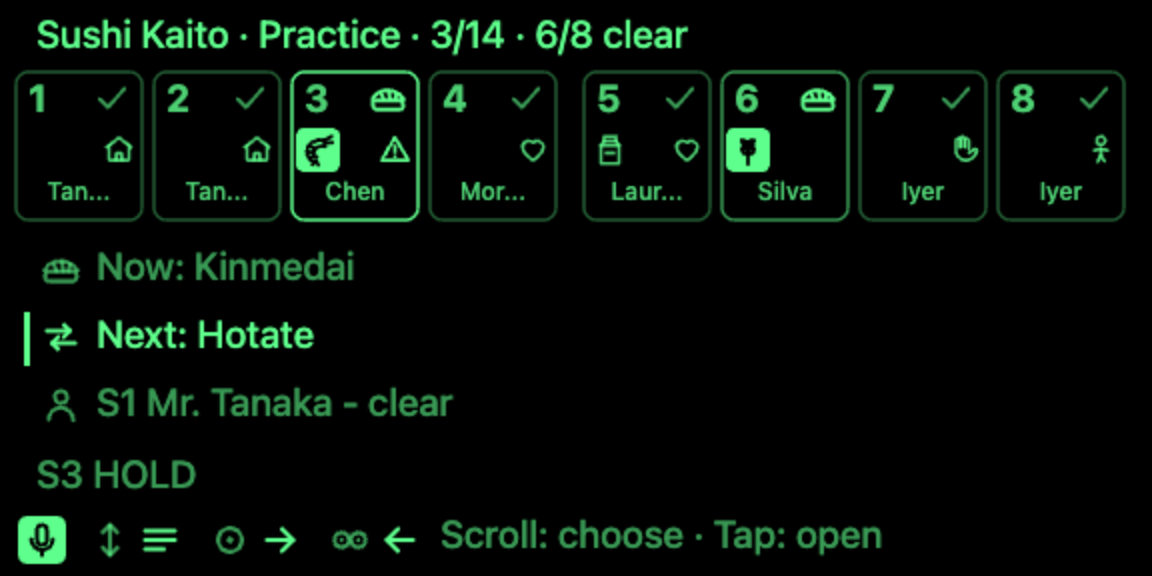
At the omakase counter, see what is ready to serve and which seats need a different plate.
G2 display01 / Counter
02 For the floor
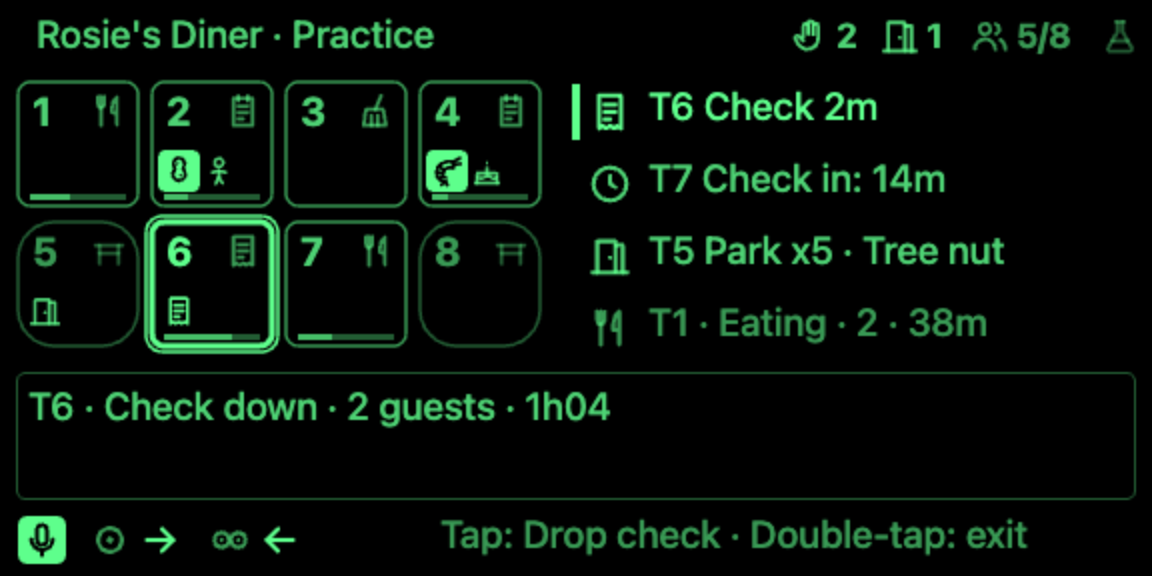
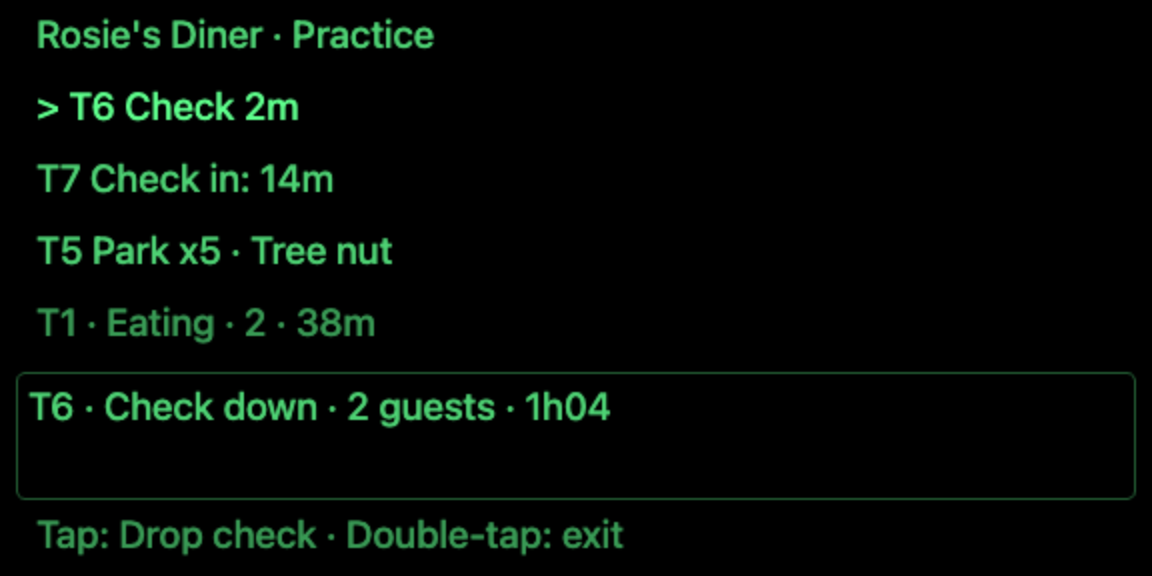
On a busy diner shift, keep the whole section in view without looking down at a phone.
G2 display02 / Floor
03 Coach & Practice
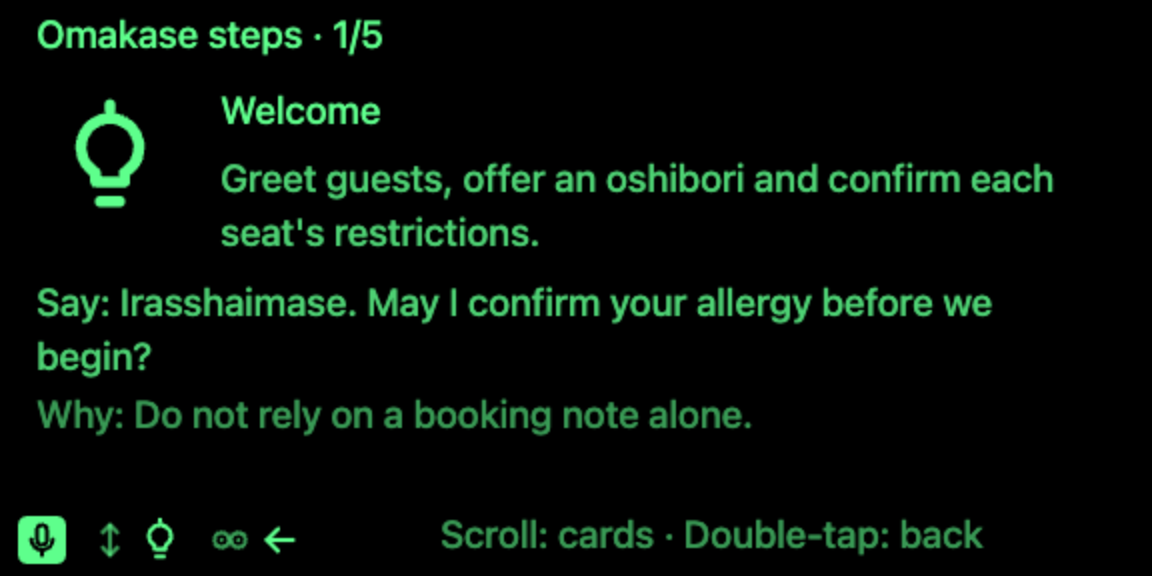
New to hospitality? Learn the order of service and the language of the room before you’re in front of a guest.
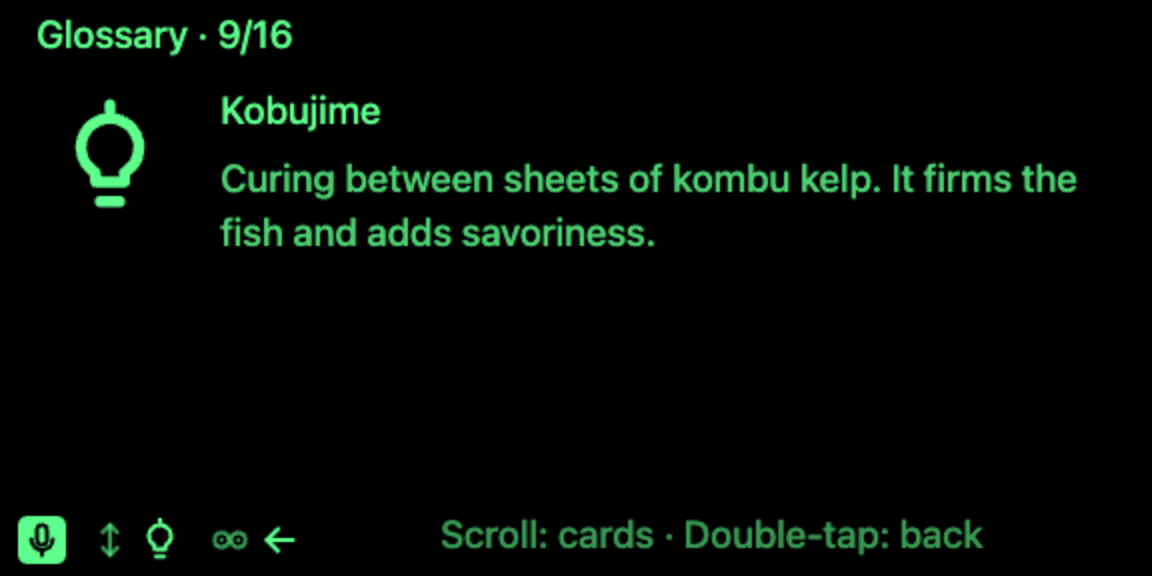
See what to do next, what to say, and why it matters. Open reference cards for steps of service, etiquette, common terms, and useful phrases.
Run a Friday diner rush or an omakase seating on G2 or in your browser. Restart any time. The guests, orders, and team messages are fictional.
04 Notes & messages
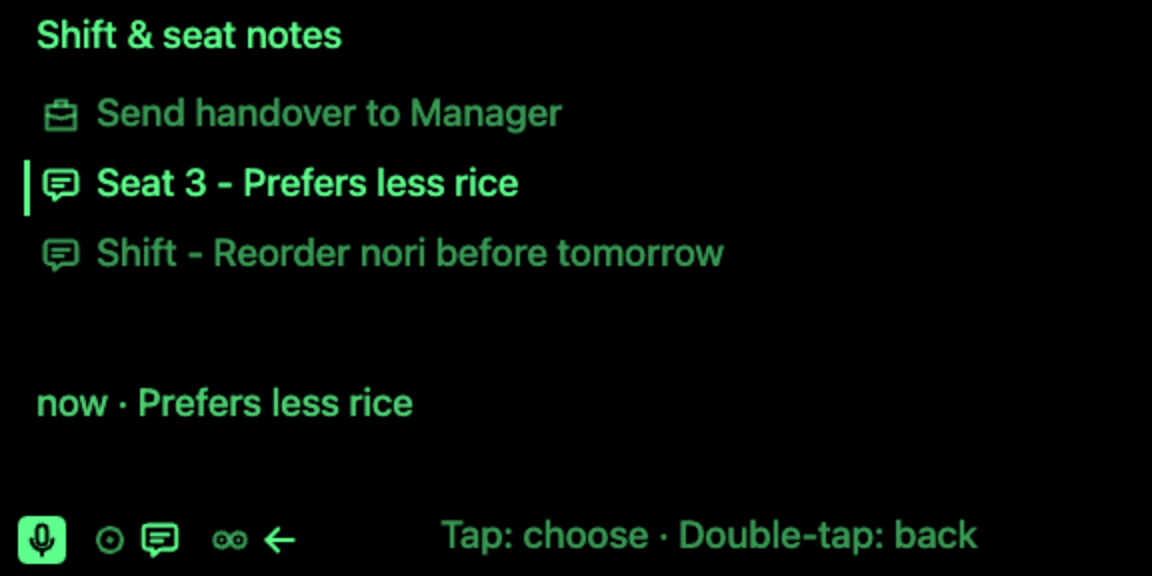
Use the ring to navigate. Voice is just for taking notes and sending short team messages.
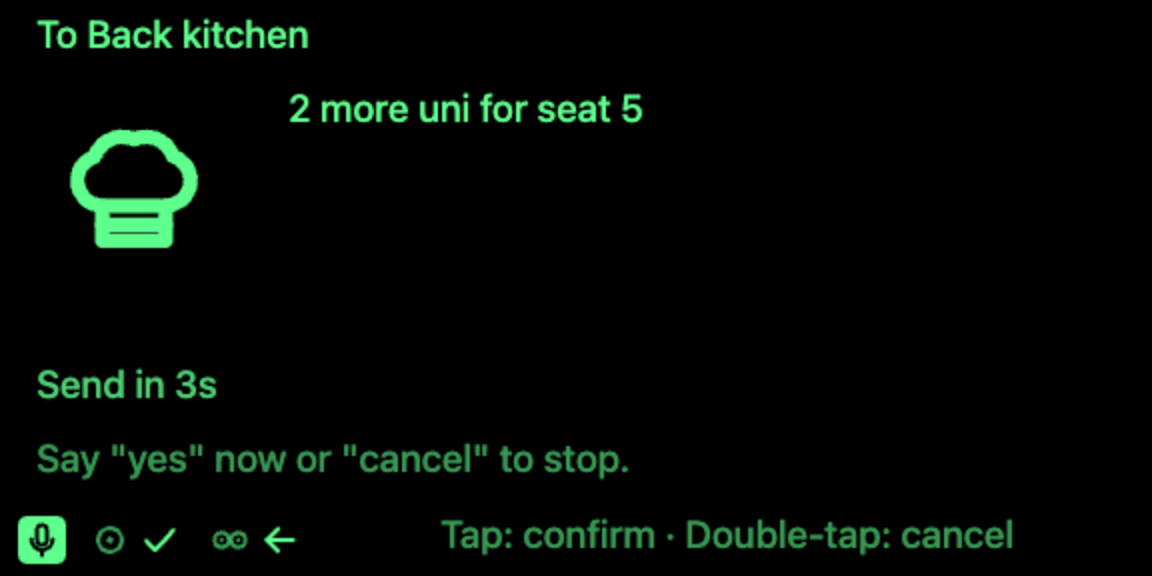
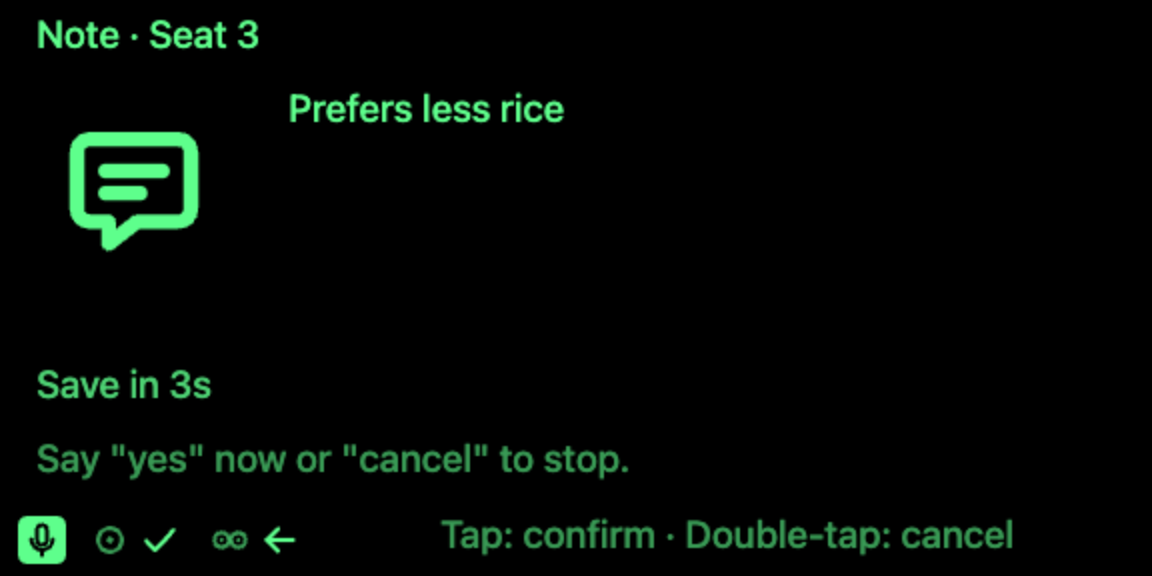
cancelto stop it or use undo after confirming.
Three things you can say
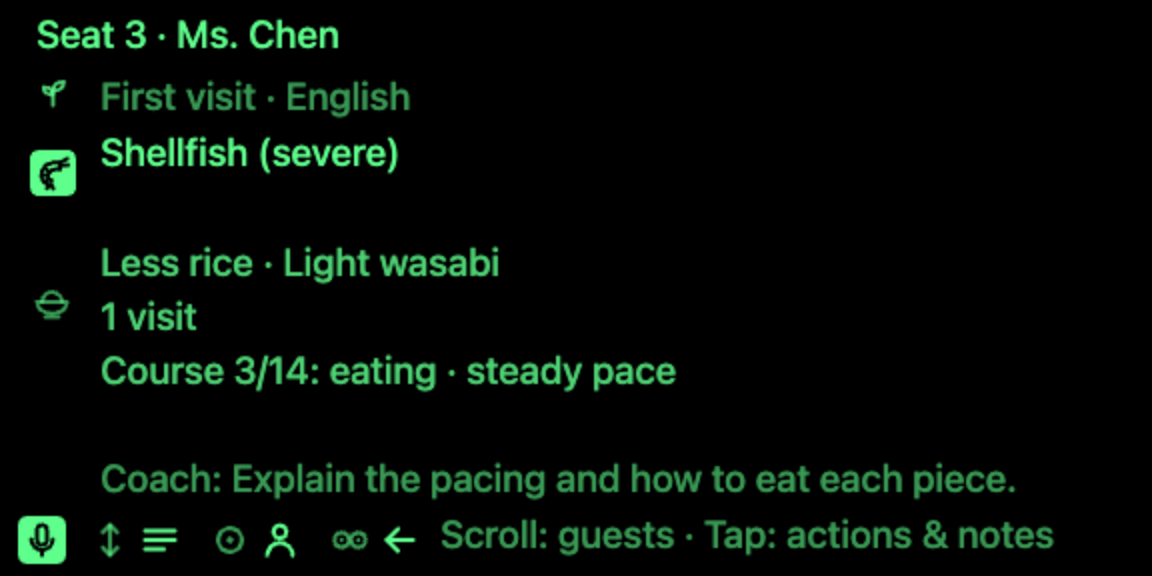
note seat 3 prefers less rice
tell the back two more uni for seat 5
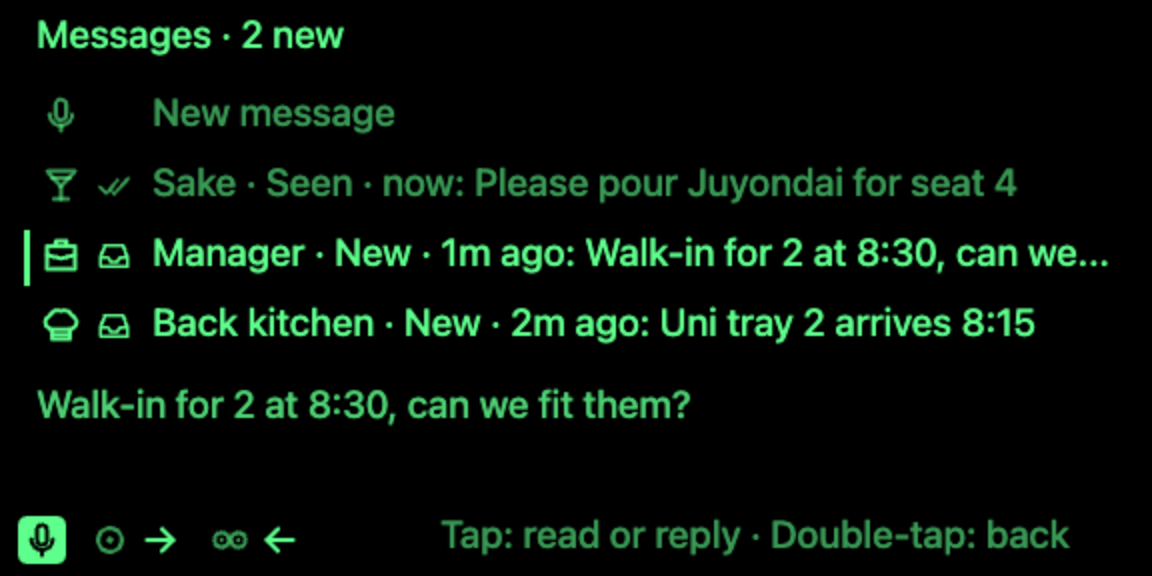
message the manager walk-in for two at 8:30?
05 Hotels & bigger teams
Each team uses a Telegram group. Replies and Seen acknowledgments come back to the glasses. At the end of the shift, the manager gets a handover drawn from what staff noted and sent.
06 The G2 display
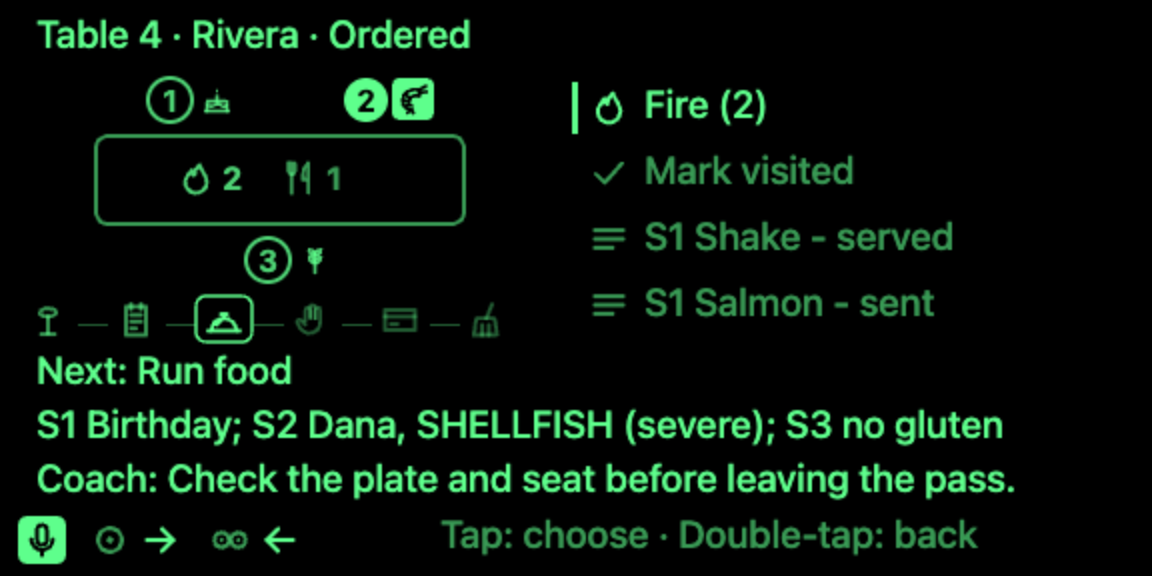
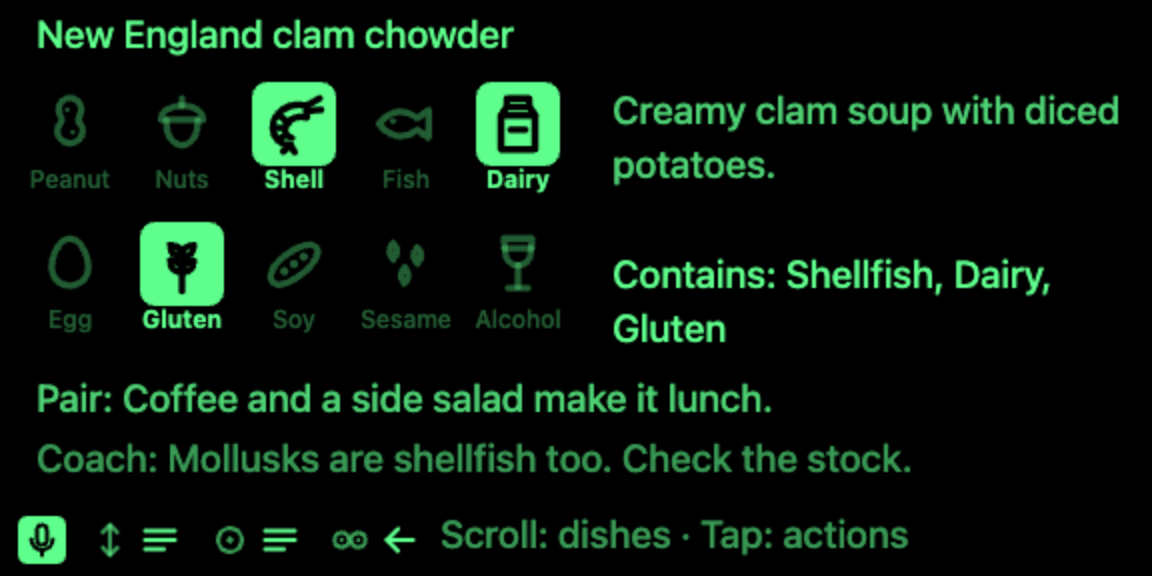
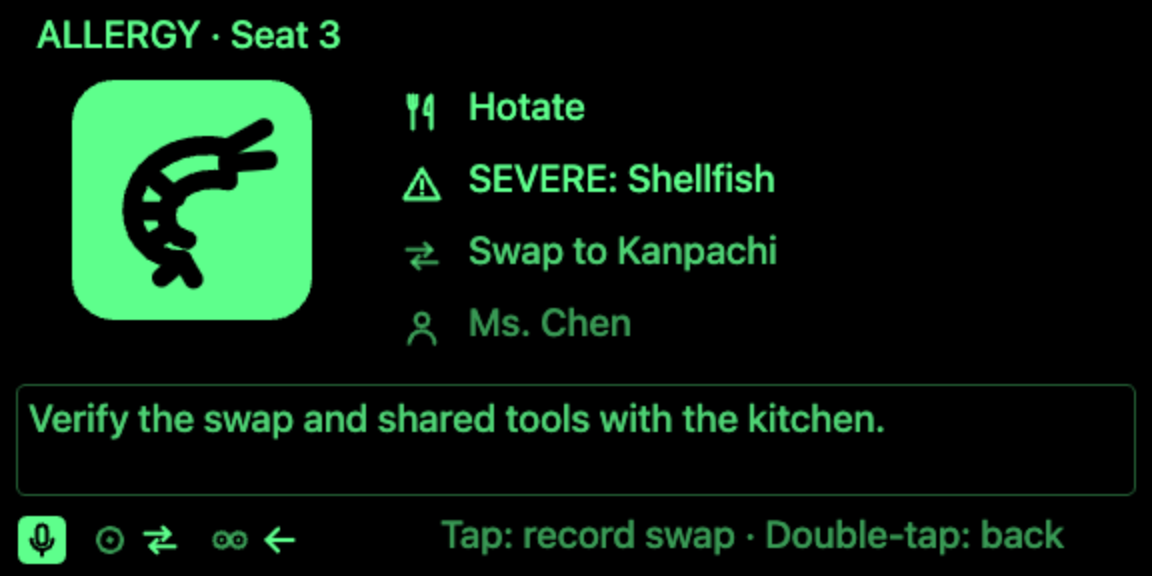
A 576 × 288 pixel display. Icons show status; short lines tell you what to do with it. These images are renders of the app, not footage through the glasses.
07 Demo
A walkthrough of Omotenashi’s display, practice service, and team workflow.
Try the same controlsOmotenashi. Hospitality, heads up, on Even G2.
At the sushi counter, the chef can see who's still eating, what comes next, and how long
this course has been out.
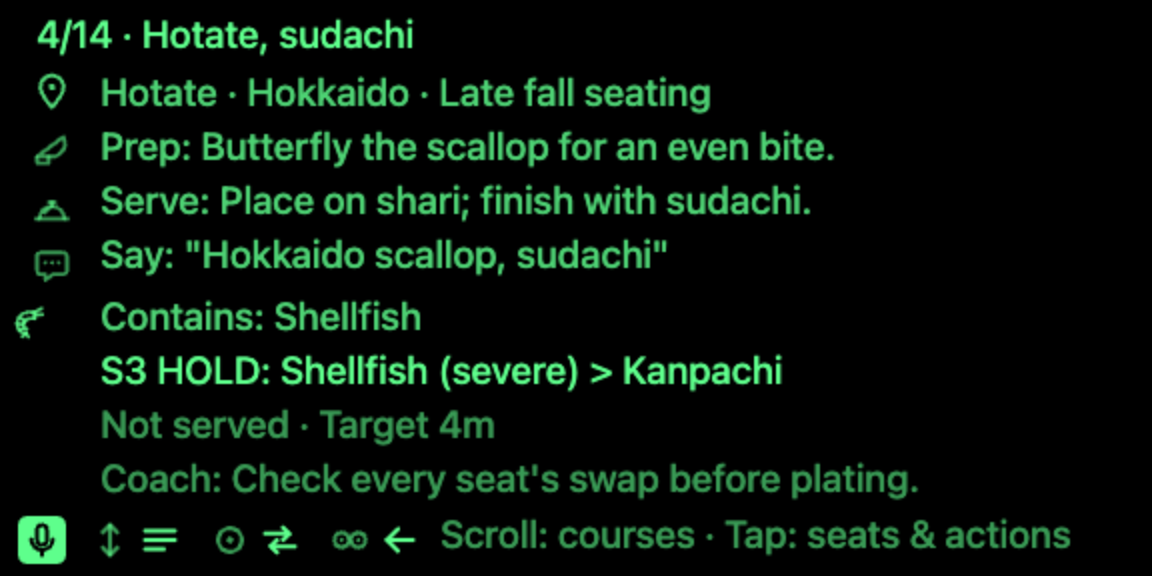
Golden-eye snapper from Chiba. Torch the skin, then serve it with yuzu salt.
The chef has the origin, prep, and words to say.
A swipe with the ring brings another guest into focus.
This guest is left-handed, likes less rice, and is celebrating an anniversary.
Scallop is next.
Seat three has a severe shellfish allergy, so the display interrupts.
The practice menu suggests amberjack. The chef taps to record the swap.
Note seat three prefers less rice. There are three seconds to say cancel.
If nobody cancels, the note is saved for that seat.
Tell the back two more uni for seat five.
The chef sees the kitchen mark it seen, then gets a reply.
New to the counter?
Coach shows how to serve a piece and what to say.
Look up aburi, a quick sear, in the glossary.
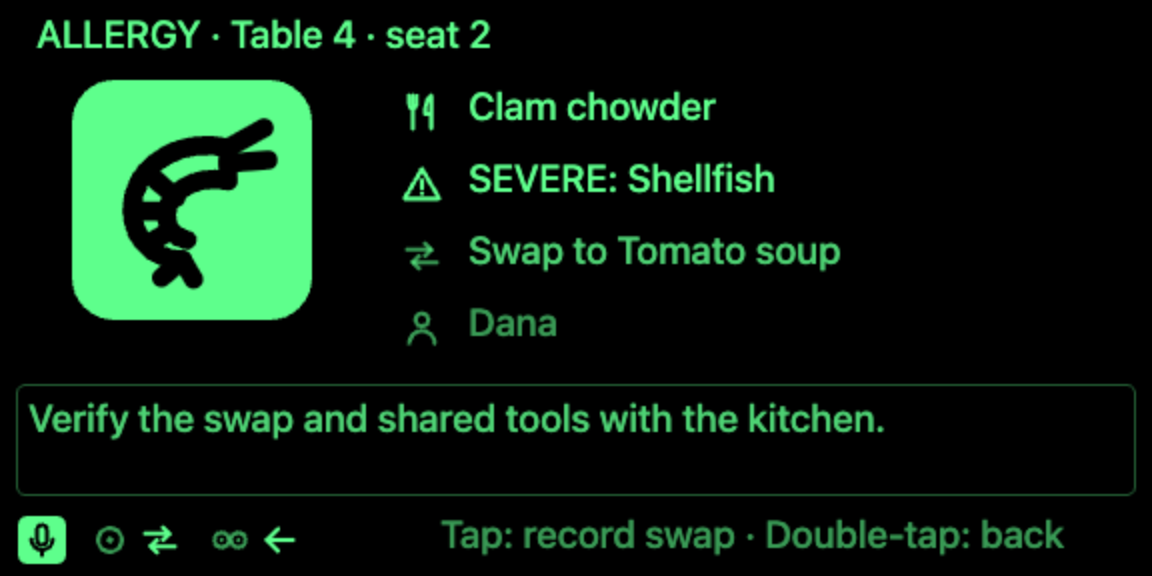
On the diner floor, a chowder order clashes with a guest's shellfish allergy.
The server can record the swap, then check what's next at table four.
Message housekeeping. Room four twelve needs towels.
The same flow works for another team, without pulling out a phone.
Back at the counter, one tap sends the manager a handover: the course, the allergy swap, the
note on seat three, and anything still open.
Every guest, every course, every allergy. Heads up.
Connections
Connected services need setup. Browser practice doesn’t use your accounts or real guest records.
Team groups, in-chat buttons, and replies via webhook or polling.
Drafts the manager’s shift handover from notes and messages, with a check against adding new facts.
A team-managed menu and a record of which allergens each dish contains.
Upcoming bookings and their service notes.
The Even Hub software kit draws the display. Use the R1 ring to swipe, tap, and go back.
On your glasses
In the Even app, open the developer section in Even Hub and scan this code. Start with a practice service.
Open the G2 app link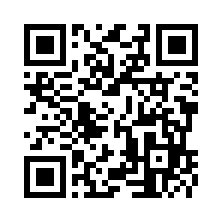 Scan in Even Hub
What to know